
A little water.A little more you.
01 / ONE GLASS AT A TIME
Your usual cup.
One easy tap.
Your morning glass. Your desk bottle.
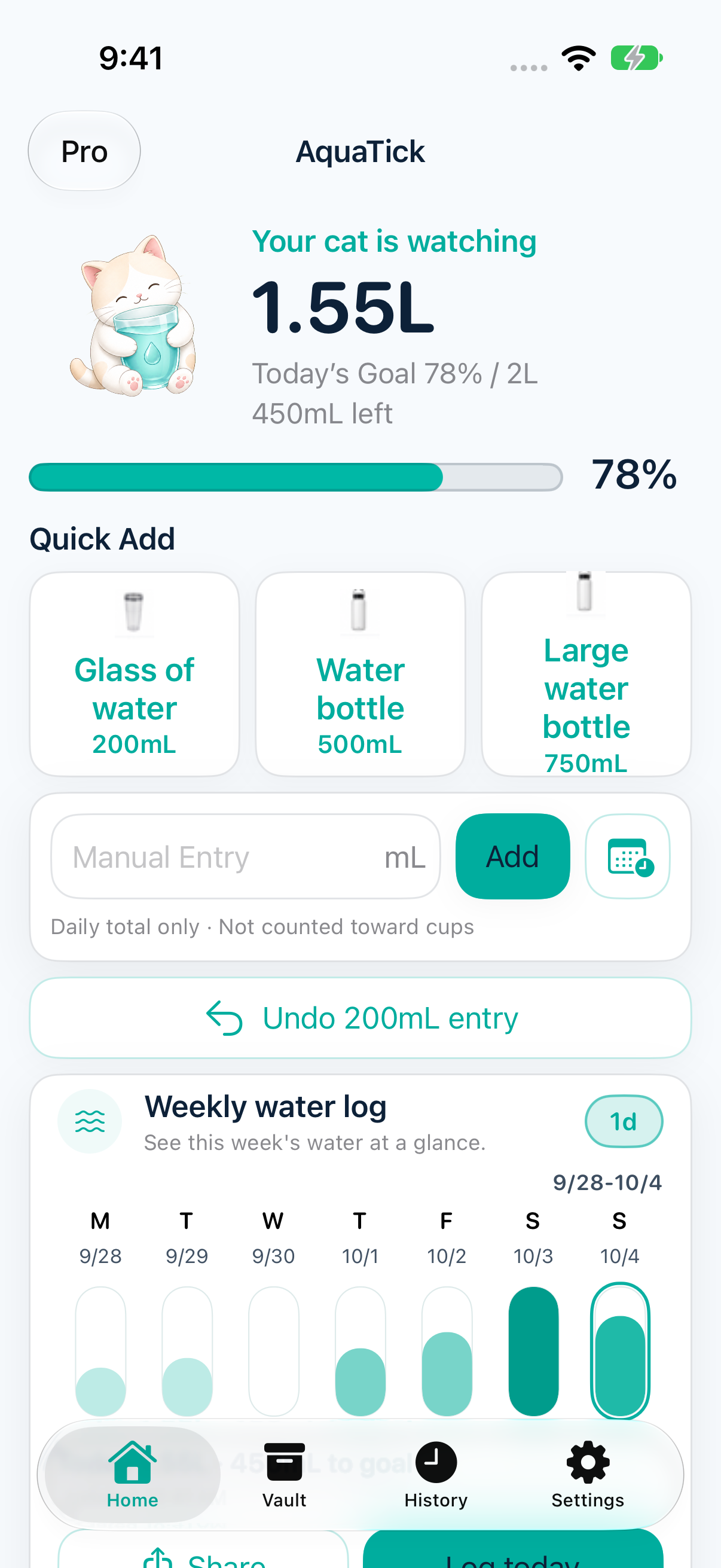
Log a drink, then get back to your day.
Keep your cups close
Save up to 6 favorites, ready whenever you are.
Give it a tap
Add the water you drank, in your saved cup’s size.
Watch it add up
See your daily water progress update right away.
02 / APPLE WATCH
A little tap.
Right on your wrist.
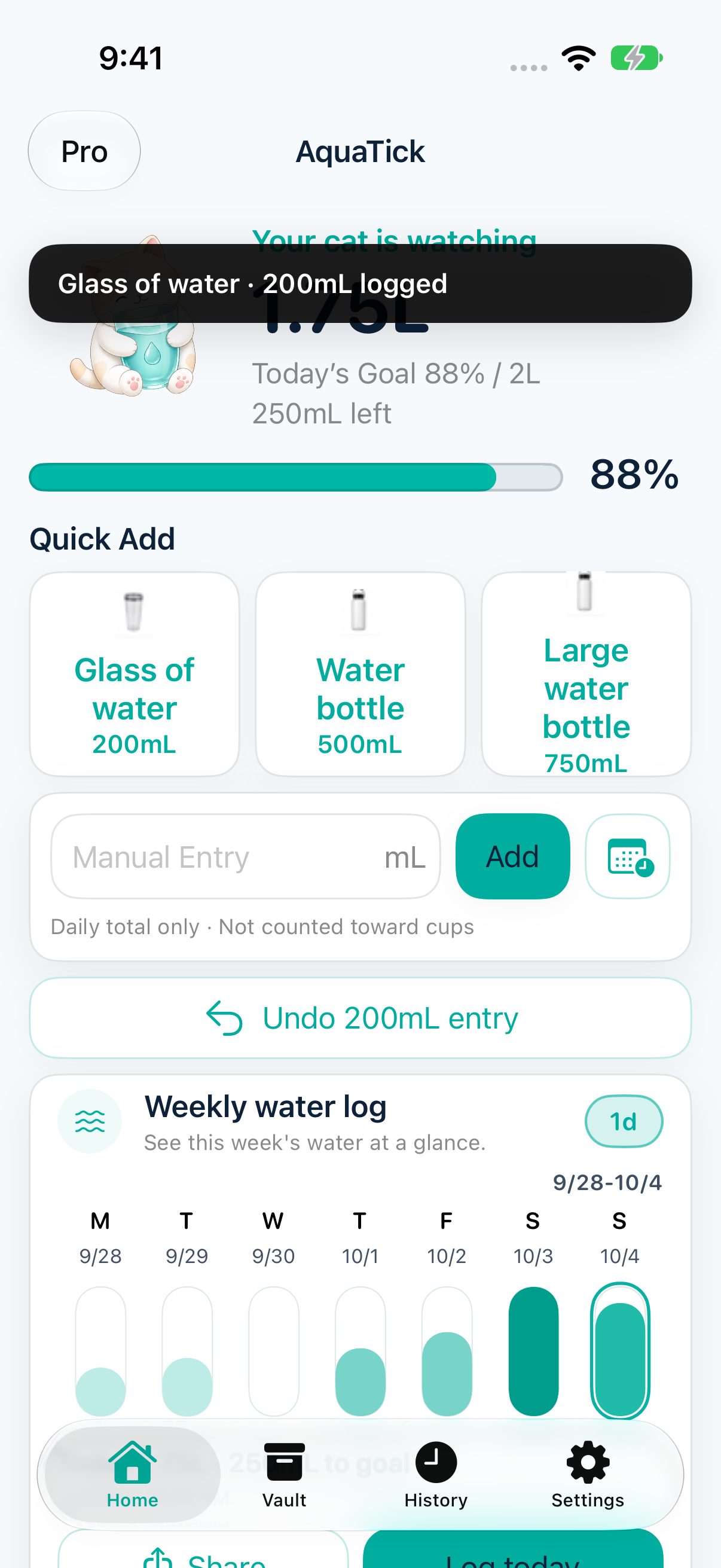
Keep your phone in your pocket.
Log a drink on Apple Watch.
And get back to your day.
One tap from Home
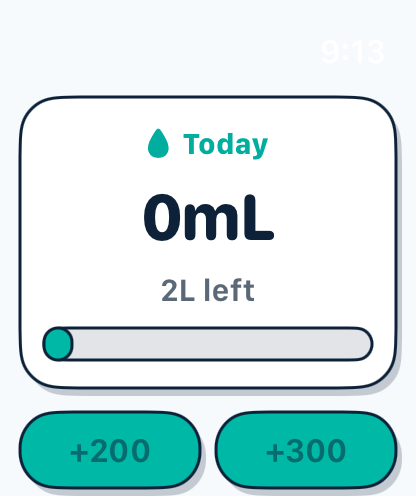
The Quick Add widget lets you log water on your iPhone Home Screen.
Progress, at a glance
Live Activity and Dynamic Island keep today’s progress in view.
03 / MAKE IT YOURS
Your favorite cups.
Your everyday rhythm.

The cups you reach for.
Save your everyday cups and bottles with a photo, name, and size. Your next drink is already a little easier.
View full screenshotActual app capture · Sample data
Small sips.
A bigger picture.
Look back at your daily records and get to know your own rhythm. Build your habit one glass at a time.
View full screenshotActual app capture · Sample data04 / YOUR CHOICE
Your habit.
Your choice.
Start without an account. Connect to Apple Health only if you want to.
- No account required
- Open AquaTick and make it yours.
- Apple Health is optional
- You choose whether to connect.
How your data is handled
Hydration records are stored on your device. AquaTick Pro offers optional iCloud sync for hydration records; cup photos stay on your device.
RevenueCat supports subscriptions. Google Mobile Ads serves ads, and Firebase Analytics, Crashlytics and Amplitude help us understand app use and reliability. We do not sell personal data.
Read the Privacy Policy
A little more, with Pro.
Remove ads and optionally sync your hydration records with iCloud.
Monthly and yearly plans.
See current local prices in the app.
| Feature | Free | Pro |
|---|---|---|
| Water logging, widgets and Apple Watch | Included | Included |
| Cup Vault and history | Included | Included |
| Optional Apple Health sync | Included | Included |
| Ads | Includes ads | No ads |
| Optional iCloud sync for hydration records | Not included | Included |
AquaTick at a glance
| Devices | iPhone · iOS 26.0+ / Apple Watch · watchOS 10.0+ |
|---|---|
| Water logging | iPhone app, Quick Add widgets, and Apple Watch |
| Cups | Up to 6 Home favorites. Separate Watch layout: up to 6 cups in one or two columns |
| Account | No account required |
| Free and Pro | Free with ads. Pro removes ads and offers optional iCloud sync for hydration records |
| Apple Health | Optional and included without Pro |
| App languages | English, French, Japanese, Korean, Polish, Simplified Chinese, and Spanish |
Last checked · Sparkish
Questions about AquaTick
- Is AquaTick free to use?
- AquaTick is free to download and use with ads. Pro removes ads and adds optional iCloud sync for hydration records. Monthly and yearly subscriptions are available; check the app for current local prices.
- Where can I log water?
- Log water in the iPhone app, with Quick Add widgets, or on Apple Watch. Live Activity and Dynamic Island display progress only; they do not record water.
- How many cups can I keep ready?
- Cup Vault supports up to 6 favorites for Home Quick Add. Apple Watch has a separate layout setting with up to 6 cups, arranged in one or two columns.
- How do Apple Health and iCloud differ?
- Apple Health sync is optional and available without Pro. Pro’s optional iCloud sync keeps hydration records in sync across your devices. Cup photos stay on the device.
- Do I need an account?
- No account is required. Hydration records are stored on your device unless you enable optional syncing. The free version includes ads, and the app uses subscription, analytics and crash-reporting services; see the privacy details above.
- Which devices and languages are supported?
- AquaTick supports iPhone with iOS 26.0 or later and Apple Watch with watchOS 10.0 or later. The app is available in English, French, Japanese, Korean, Polish, Simplified Chinese and Spanish. This website is available in English, Korean and Japanese.

A little care, every day.
Start with
your next glass.
Download on the App StoreiPhone. Apple Watch. A little cat companion.