 Lookfold
A wardrobe journal
Monday’s shirt.Tomorrow’s outfit.
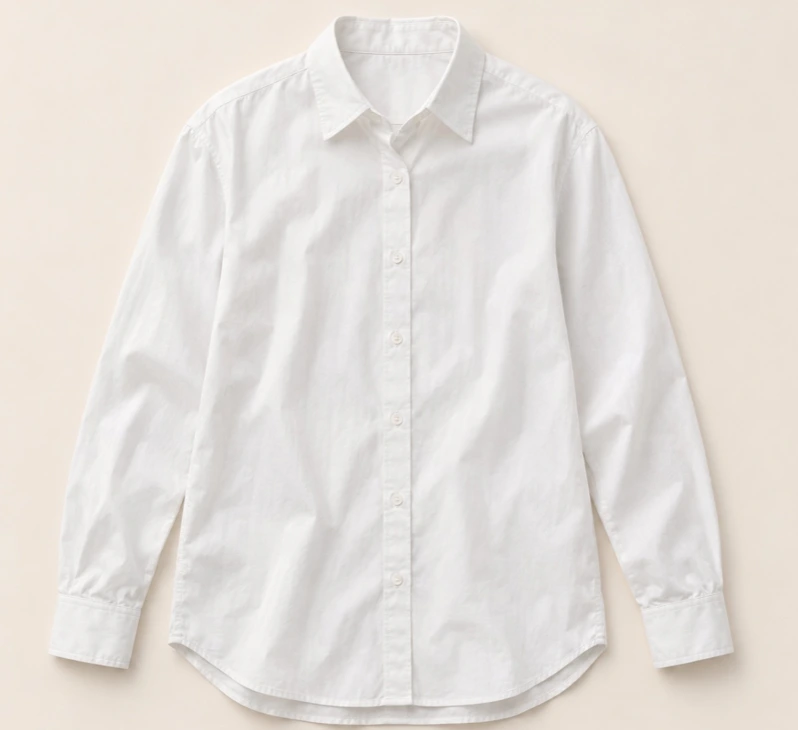
Take the white shirt you wore on Monday. Try it with a different pair of jeans. Lookfold keeps the pieces, the combination and the day you actually wore it together.
 01
 02
 03
01 / Inside the journal
From your closet to your calendar.
Put a look together from what you own. Preview it if you like, then record it when you actually wear it.
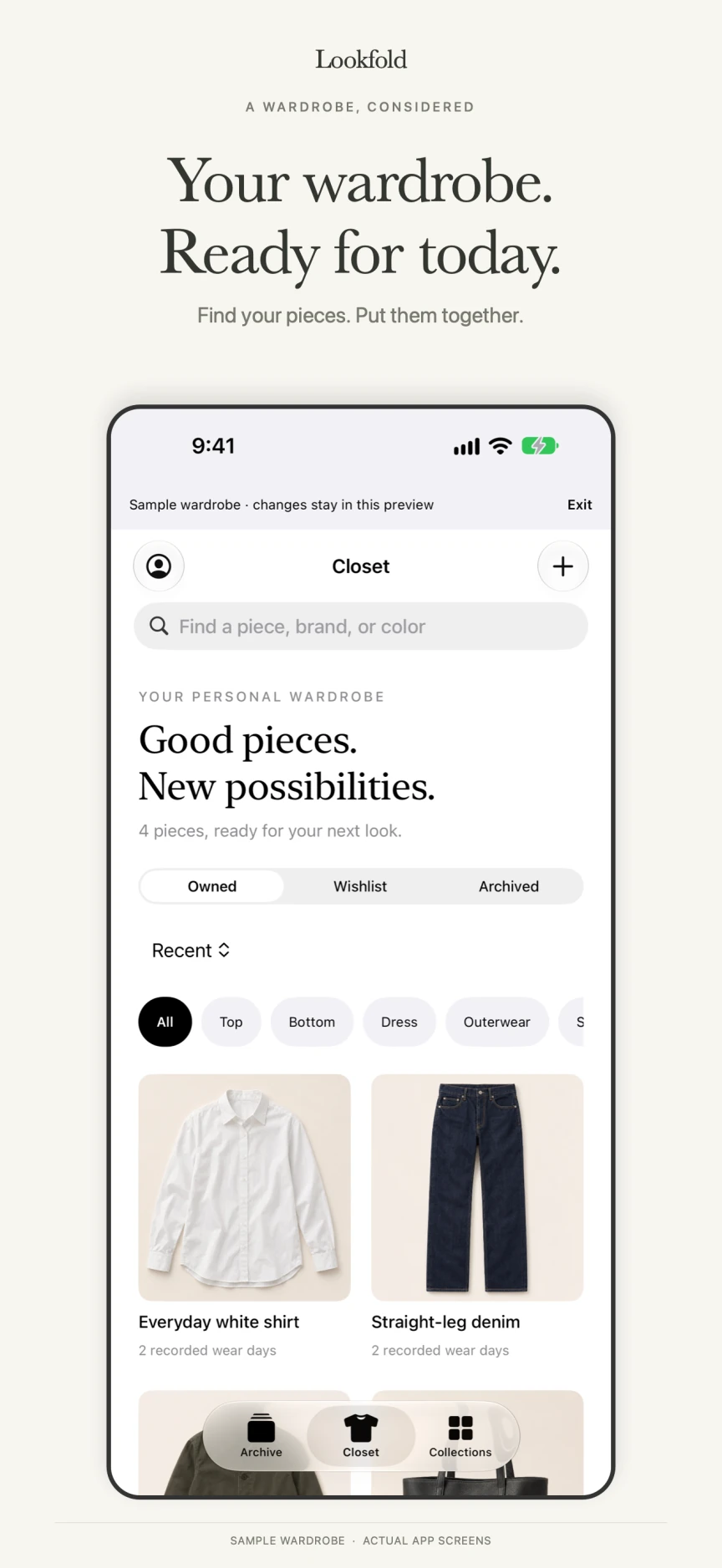
Start with your pieces
Reuse a saved outfit with its pieces already selected. A new photo, AI fitting or subscription is not required.
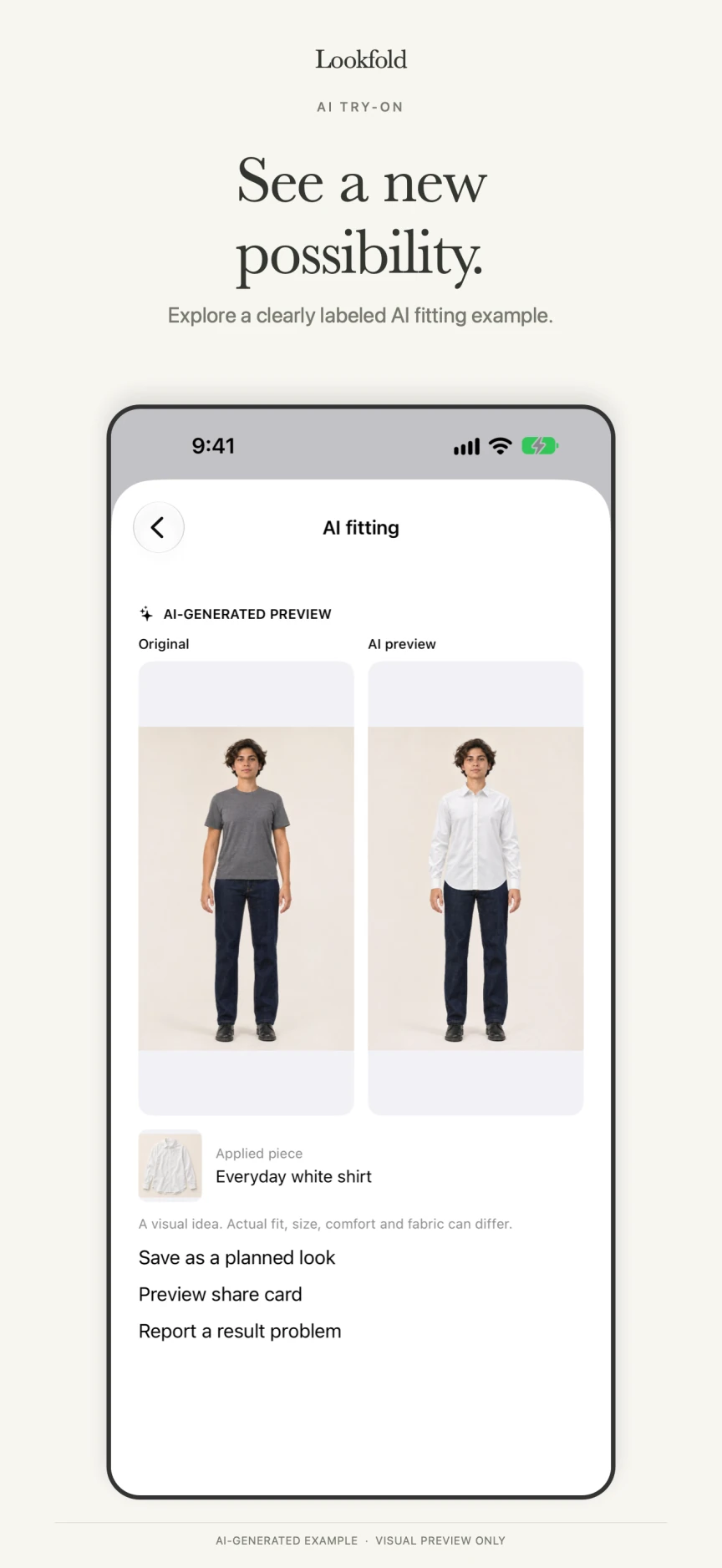
Try it on, if you like
Open the original and AI preview together. Viewing and comparing existing results uses no fitting credits. The image shown is a pre-generated fictional example, not a fit or comfort guarantee.
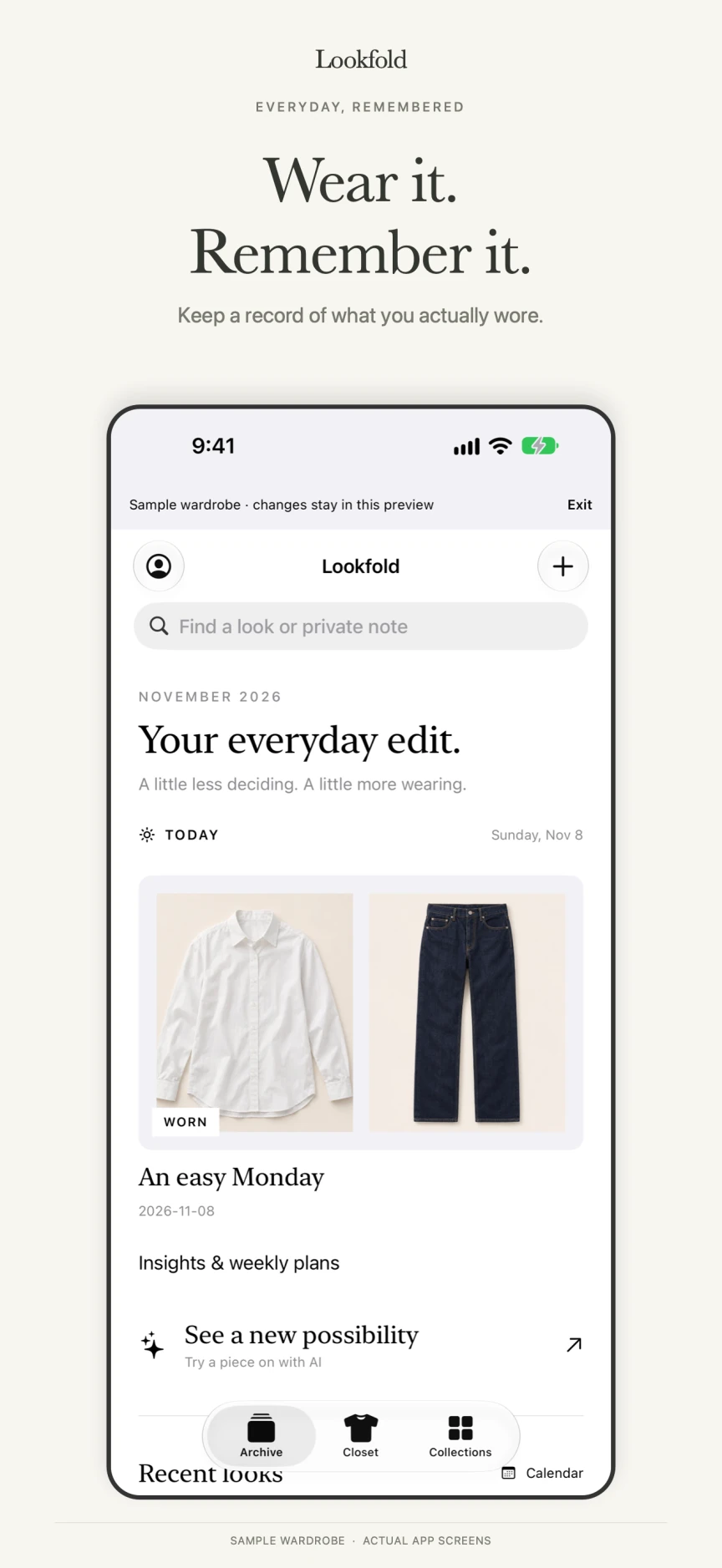
Remember what worked
Plans and AI previews stay separate from confirmed wear. The same piece counts once per recorded day. Before deleting a look, see how wear history and collections are affected and where to restore it.
Actual version 1.0 (7) app screens with the sample wardrobe label preserved. The current app UI is in English. Select an image for a larger view.
02 / Free & Plus
A free journal. Optional extras.
Keep your manual wardrobe, wear history, reuse and collections without a subscription. Plus is not available for purchase in the current version.
Free
Free- Manual wardrobe and outfit creation
- Calendar, wear history and outfit reuse
Lookfold Plus
Not on saleThe current version keeps Plus purchases off. You can continue using the free journal.
Release notes
Lookfold is in the making.
Lookfold is being prepared for Korea, the US and Japan. Version 1.0 has been submitted for App Review; release is still pending. This introduction is available in Korean, English and Japanese. Saving personal records to an account uses Sign in with Apple only.